A line between a word and its translation
The student connects pairs and, after checking, sees which lines are right.
Free plugin for Claude
Mimiao Teacher Kit teaches Claude to prepare materials the way a tutor would. Type a topic and a level, and Claude builds an interactive page that checks answers itself: open it in the lesson, send it to a student or print it.
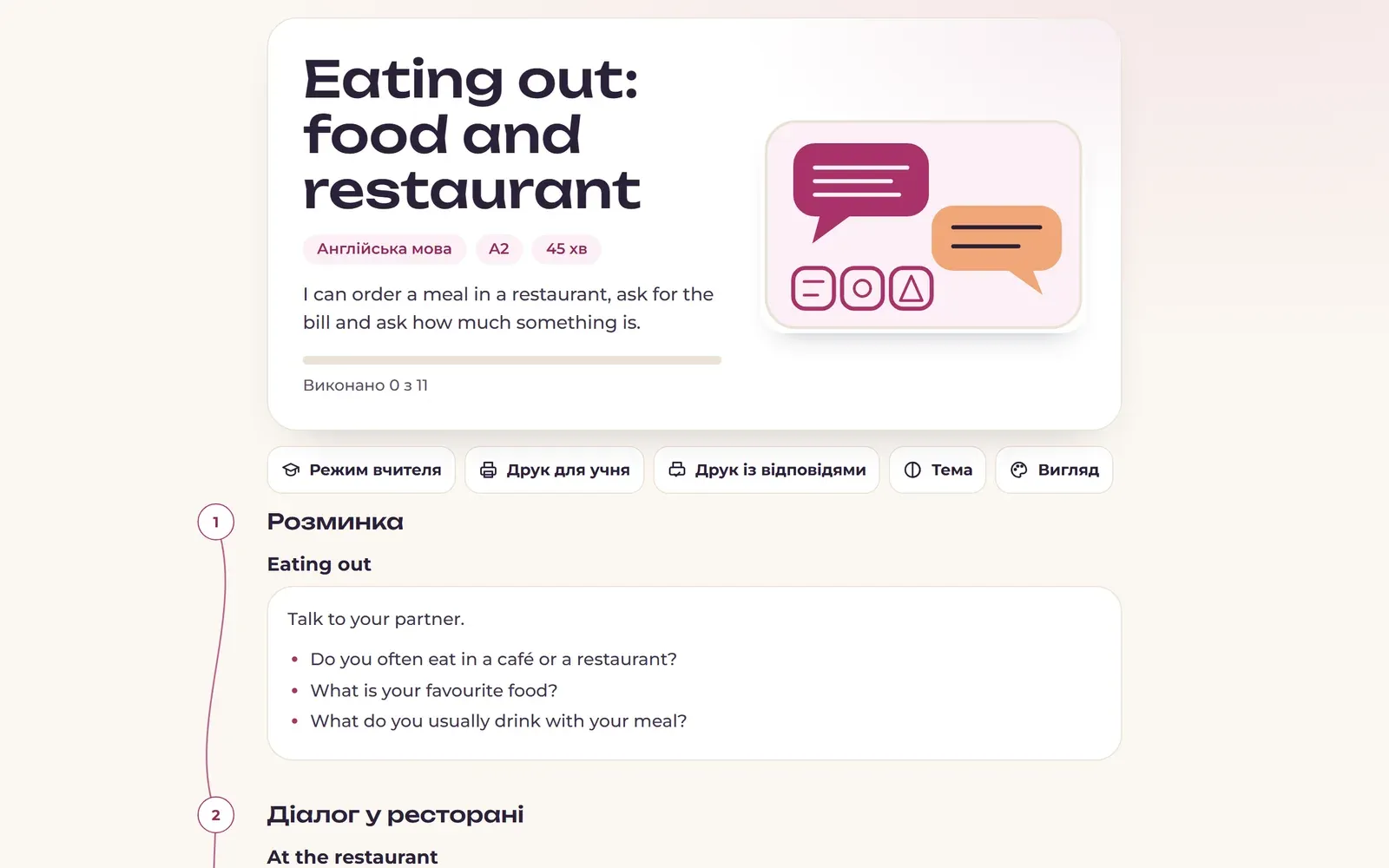
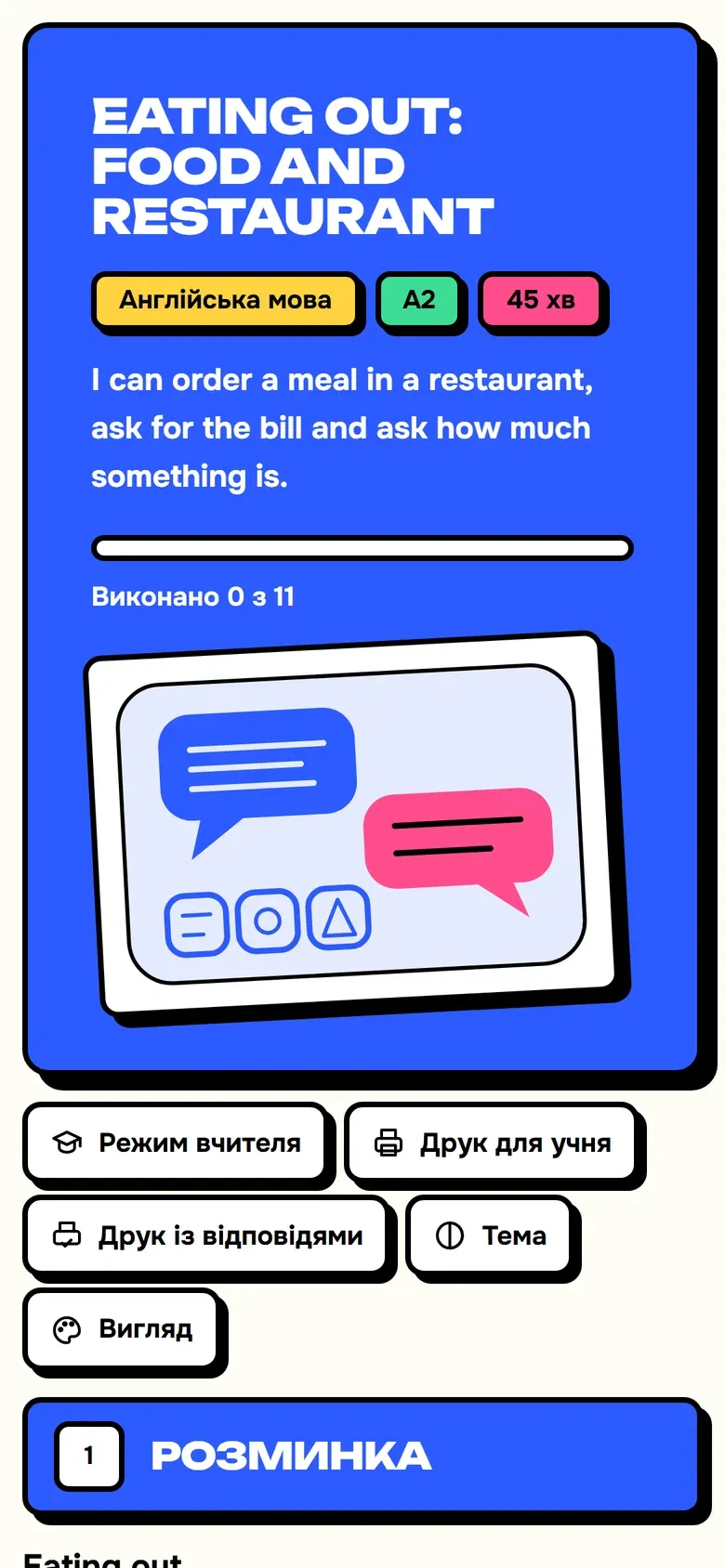

Tasks
The student connects pairs and, after checking, sees which lines are right.
Drag or tap: the card flies into its category.
Words line up on the track in the right order.
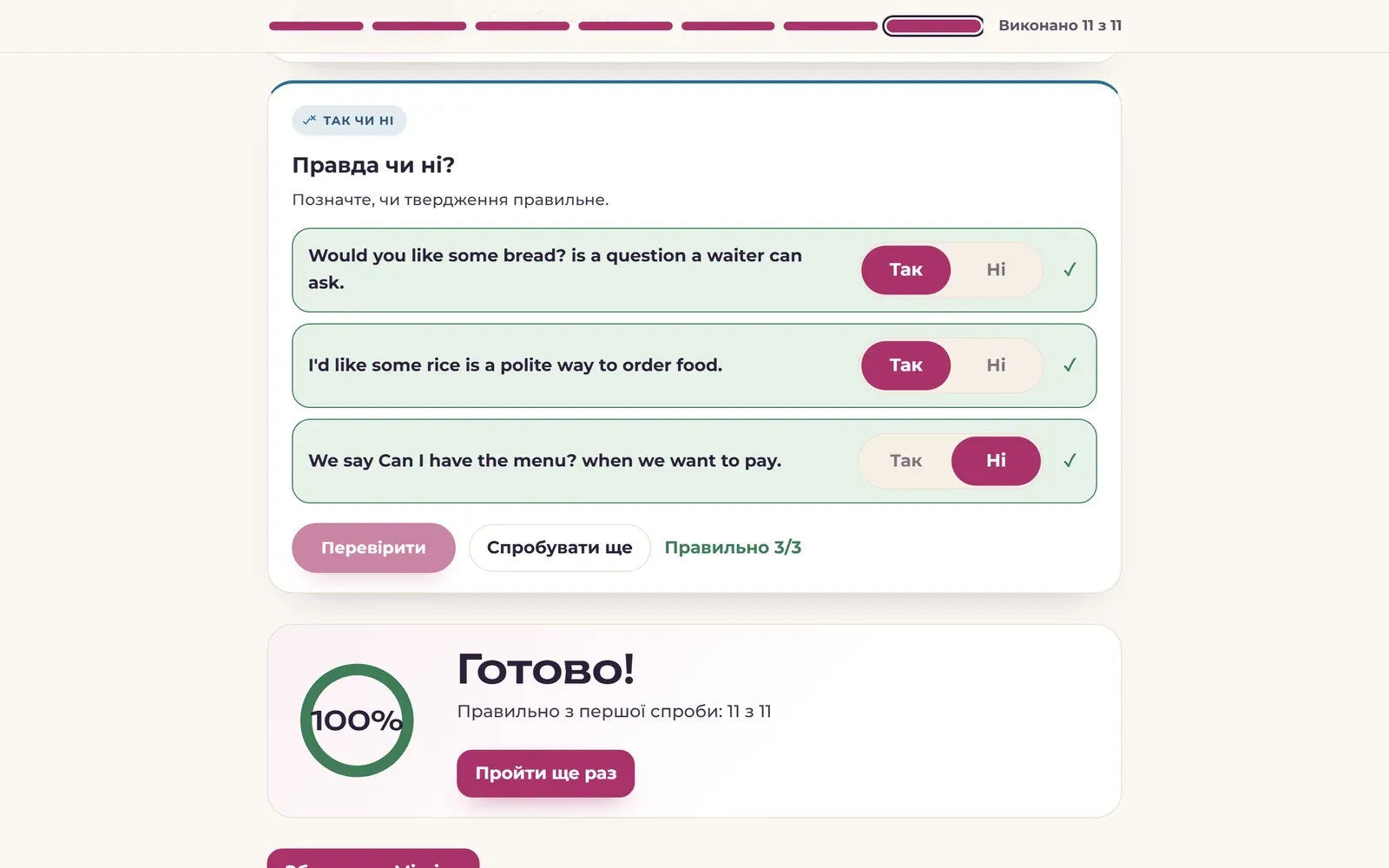
How many tasks were right on the first try, and a “Do it again” button.
These are screen recordings of a real lesson built by the plugin.
Look
Tell Claude “notebook style” or “make it blue”, and the page changes. You can also switch the look with a button on the page itself.
Examples
These are real pages built by the plugin. Answer the questions, press “Check”, switch on “Teacher mode”. The examples are in Ukrainian; the plugin answers in the teacher’s language.
Six commands
A 20–120 minute plan: explanations, self-checking exercises and teacher notes for every stage.
Add a photo of a textbook page, a PDF or text. Claude writes new exercises on the same topic at the same level.
Tasks from easy to hard, on a topic or based on a lesson you just created.
A quiz with points and a pass mark, including exam-style task formats.
A set of words or terms: cards, matching, a quiz and writing.
A multi-week programme towards a goal, with a ready request for every lesson.
What you get
Languages, maths, physics, history, exam preparation, primary school.
Students see where they went wrong and can try again. A test counts the score.
A student sheet, or a version with answers and teacher notes.
“Make it harder”, “add three more problems”, “notebook style” — Claude changes the block or the look you mean.
Installation
Save mimiao-teacher-kit.zip to your computer. You do not need to unzip it.
Download mimiao-teacher-kit.zipOn claude.ai open “Customize”, go to the “Plugins” tab, press “Add” → “Upload plugin” and choose the downloaded file.
In a new chat, enter a command and a topic, for example:
/lesson англійська A2, подорожі, 45 хв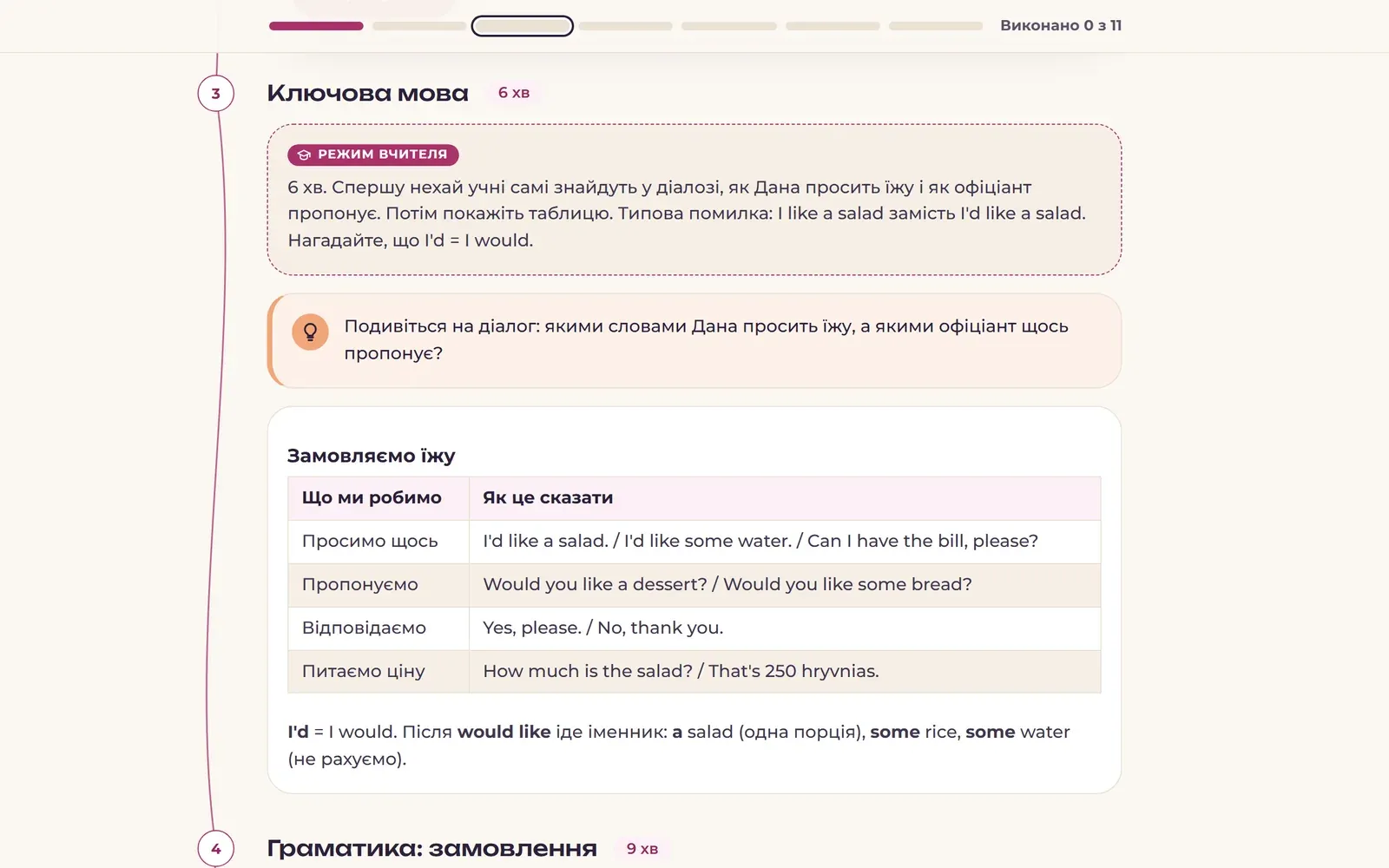
You need a Claude account.
The same kit as a single skill: handy if you prefer the “Skills” section or could not add the plugin. There are no slash commands here, so just describe what you need.
Зроби урок: англійська A2, подорожі, 45 хвThe plugin and the skill build the same pages. You do not need both.
Add the marketplace and install the plugin with two commands:
/plugin marketplace add MachinaIlucha/mimiao-teacher-kit/plugin install mimiao-teacher-kit@mimiaoWhat next
The plugin works on its own. As the number of students grows, it helps to have one place for the schedule, homework and payments. In Mimiao, homework is assigned to students, exercises are checked automatically, and results show up in the journal.
Questions
Yes. Mimiao Teacher Kit is free and released under the open MIT licence. All you need is your own Claude account.
No. The plugin and the pages it creates work without Mimiao.
Any: foreign languages, maths and sciences, history, exam preparation, primary school. The plugin has separate teaching rules for languages, exact sciences and exams.
Yes, with the /from-material command: add a photo of a page, a PDF or text. Claude does not copy the page; it writes new tasks on the same topic.
Yes. Claude can make mistakes, so review the tasks and answers before the lesson. “Teacher mode” and the print with answers show the full key.
Claude shows the finished page in the chat. You can open it in the lesson, share it, or save it as a file and send it to the student.
Yes. There are six ready-made styles, and you can set your own main and accent colours. Tell Claude, for example: “notebook style, green colour”.
In content, not at all: both build the same lessons, homework, tests, games and plans. The plugin adds commands such as /lesson, while the skill switches on by itself when you ask for a lesson or a test in plain words.